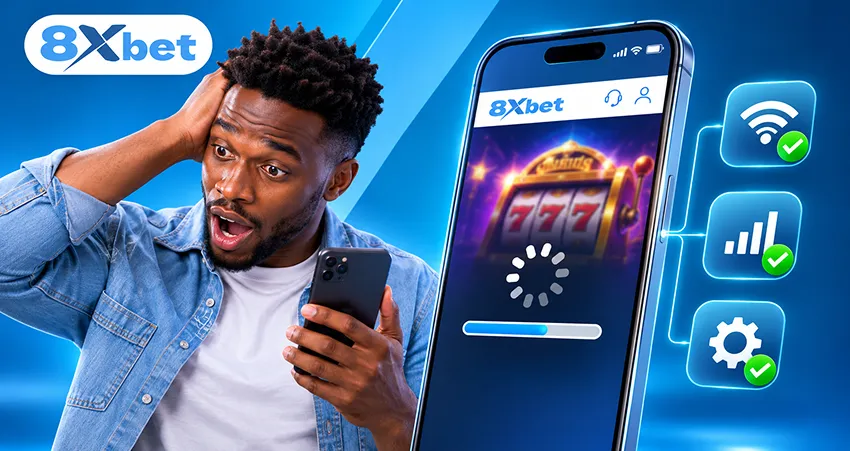
You open a casino game on your phone, but the screen stays blank, keeps loading or closes unexpectedly. An 8xbet casino game not loading on mobile may be caused by an unstable connection, outdated software, limited storage, temporary files or an interrupted game session.
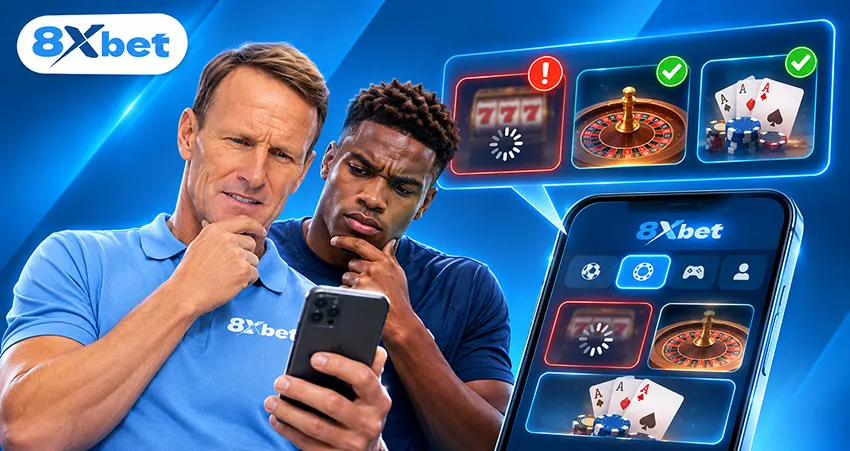
The quickest way to identify the problem is to check whether another casino title works. If only one game fails, the issue may be specific to that title. If several games or the entire lobby fail, start with your connection, browser, app and device settings.
Is One Game Affected or the Whole Casino?
Return to the 8xbet casino overview and open another title without placing a stake. If the second game loads normally, the original title may have a temporary loading or provider-related issue.
If neither game opens, check whether the casino lobby and other website pages are accessible. A wider failure may indicate a connection, browser or app problem. For example, if the sportsbook works but one slot remains blank, focus on that particular game rather than changing your account settings. This comparison helps you narrow the cause before attempting further fixes.
Test the Mobile Connection
An unstable internet connection can prevent a game from loading, even when the main website opens. Start by visiting another webpage. If it also loads slowly, your connection may be responsible.
Where possible, switch once between Wi-Fi and mobile data to compare the results. For Nigerian users relying on mobile networks, weak signals and data-saving settings may interrupt game content.
Check whether your phone has an active data-saving mode. Some settings restrict background activity or data usage, which may affect loading. Only change these settings if you understand their effect on your data allowance.
Avoid repeatedly placing bets or making payment requests while the connection is unstable. A delayed response does not necessarily mean the previous action failed.
Restart the Game Session Carefully
Sometimes, a temporary game session causes the loading problem. If no stake has been placed, close the game window, return to the lobby and wait briefly before opening the title again. You can also restart the browser or app once.
However, if the game freezes during an active round, avoid refreshing immediately. First, record any visible game or round reference. Closing an unresolved session may make it harder to confirm whether a wager was accepted or settled. If the result remains unclear, contact support before attempting another round.
Check for an App or Browser Update
Outdated software may affect how casino games display or respond. If you're using a mobile browser, check whether an updated version is available through your device's normal update process.
Android users can review the official 8xbet app download guide for supported app information and updates. Avoid downloading installation files from unfamiliar sources.
Where both routes are available, compare the affected game through the official Android app and mobile browser. If a game works in one but not the other, the problem may involve the software rather than the title itself. However, not every game is necessarily available through both access methods.
Check Storage, Cache and Open Apps
Limited storage, excessive background activity or damaged temporary files can interfere with game loading. Start by closing applications you're no longer using and checking your available storage.
If several applications are behaving unusually, restart your phone. You may also clear the affected browser or app's temporary cache if that option is available.
Clearing Cache Is Different from Clearing Stored Data
Cache contains temporary files, while clearing stored data may remove local settings, sign you out or require account verification again. Reinstalling an application can have similar effects.
Before clearing stored data or reinstalling, confirm that you can access your account and any required verification method. Also check screen orientation. Some games may display better in portrait or landscape mode, depending on their design.

Live Casino Streams Need a Stronger Connection
Live dealer games use video streams alongside interactive betting controls. This places additional demands on your internet connection and device compared with loading a normal webpage.
If ordinary casino titles work but live tables freeze or remain blank, investigate streaming performance first. Check whether other videos load normally, close unnecessary applications and review any data-saving restrictions.
A weak connection may interrupt the video or delay updates during a timed betting window. Avoid placing a stake when the live interface is not responding properly. For more information, read our guide on how the 8xbet live casino works.
Work Through the Loading Fixes in Order
If your 8xbet casino game is not loading, follow these checks one at a time.
- Identify the problem: Note the affected game's name and whether it freezes, closes or displays a blank screen.
- Test another title: Open a different casino game without placing a stake.
- Check your connection: Visit a normal webpage and compare Wi-Fi with mobile data where possible.
- Restart the game session: Return to the lobby and reopen the game if no unresolved round is involved.
- Restart the software: Close and reopen the browser or app once.
- Review updates: Check whether your browser or supported application needs updating.
- Check device resources: Confirm that storage is available and close unnecessary applications.
- Review temporary settings: Check cache, screen orientation and data-saving restrictions.
- Record unresolved details: Save any visible error message or round reference before contacting support. Stop troubleshooting once the game loads normally.
When to Contact 8xbet Customer Support
If the problem continues, 8xbet customer support can help investigate. Prepare the following information:
- Game name: The affected casino title.
- Provider: The game provider, if displayed.
- Access method: Android app or mobile browser.
- Device: Phone model and operating-system version.
- Connection: Wi-Fi or mobile data.
- Time: Approximate date and time of the issue.
- Loading stage: Where the game stops responding.
- Error details: Any displayed message or code.
- Round reference: Relevant details if a stake was involved.
Explain which troubleshooting steps you've already attempted. Never share your password, complete verification code or account PIN.
Stop When the Game Loads Normally
If an 8xbet casino game is not loading on mobile, resolving the problem may only require a connection check, a clean restart or a software adjustment. Work through one possible cause at a time so you can identify what resolves the issue.
Once the game opens and its controls respond normally, stop troubleshooting. You don't need to place a stake to confirm that loading has recovered. If a previous round remains unresolved, keep its reference and contact support before continuing.
← Back to all guides